
Tech
What Is a JPG vs PNG? Complete Guide for Beginners

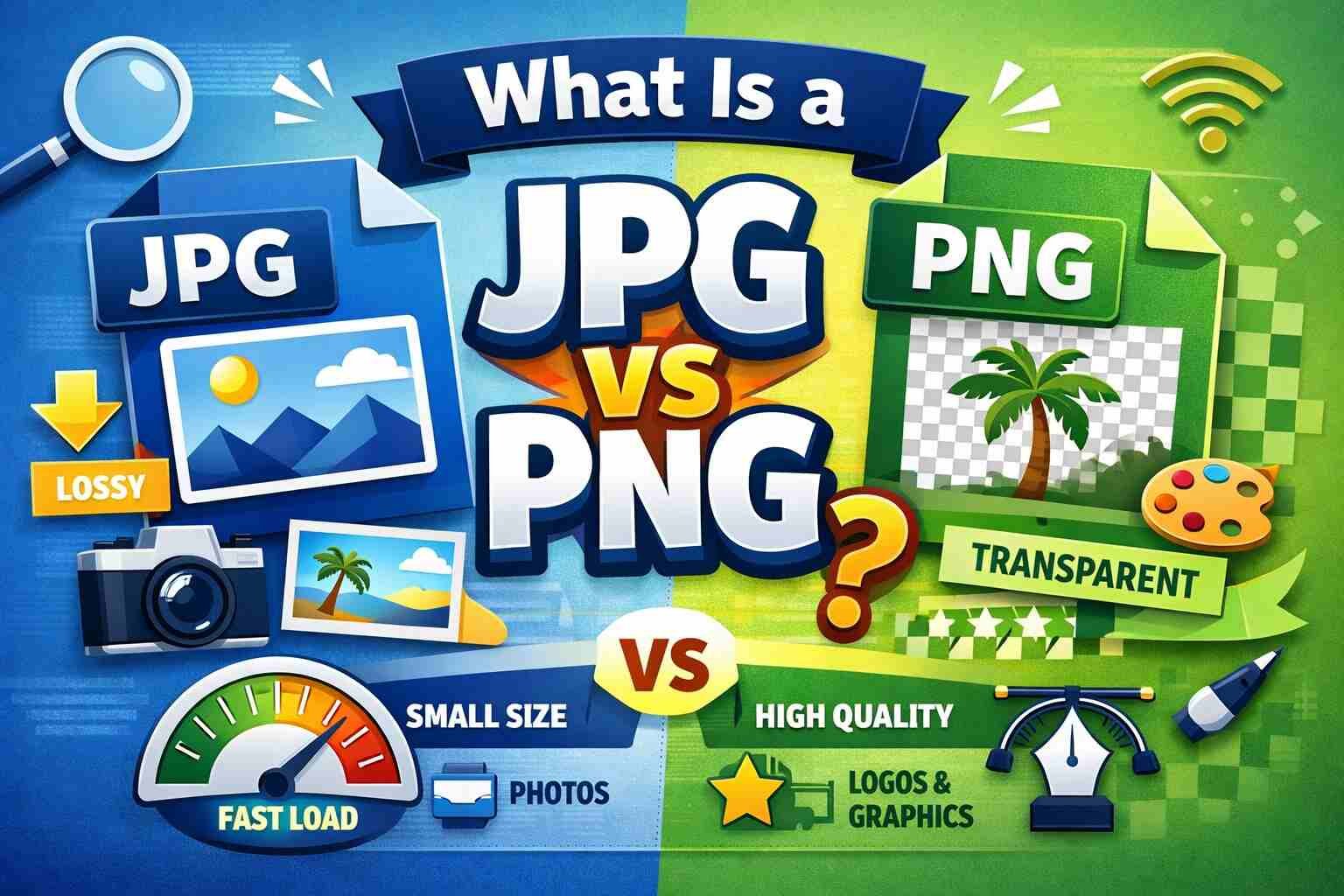
Choosing the right image format can make a big difference in the quality, speed, and appearance of your website or digital content. If you are confused about what is a JPG vs PNG, this guide will help you understand their differences, benefits, and when to use each format. By the end of this article, you will know exactly which format suits your project best.
What Are Image Formats?
An image format determines how digital images are stored and displayed. Different formats have unique properties like compression, transparency, and color depth. JPG and PNG are two of the most commonly used formats today, each with its own advantages and disadvantages. Understanding what is a JPG vs PNG will help you create visually appealing content that loads quickly.
What Is a JPG?
JPG, also called JPEG (Joint Photographic Experts Group), is a lossy image format. Lossy means that some image quality is lost during compression, but the file size becomes much smaller. This is why JPG is widely used for photographs, social media posts, and web images where smaller file size is important.
Benefits of JPG:
- Small file size for fast loading.
- Great for photographs with many colors and gradients.
- Compatible with almost all devices and platforms.
Limitations of JPG:
- Loses quality if edited and saved multiple times.
- Does not support transparency.
- Not suitable for logos or images with sharp text.
In short, use JPG for photos, scenic images, or any picture where slight quality loss is acceptable for a smaller file size.
What Is a PNG?
PNG stands for Portable Network Graphics. Unlike JPG, PNG is a lossless format, meaning it preserves every detail of the image. PNG also supports transparent backgrounds, which makes it ideal for graphics, logos, and images that need to appear over different backgrounds.
Benefits of PNG:
- Maintains high-quality visuals with no loss.
- Supports transparent backgrounds.
- Perfect for logos, icons, and web graphics.
Limitations of PNG:
- Larger file sizes compared to JPG.
- Not always ideal for full photographs due to heavy file size.
Think of PNG as the format for graphics and designs where clarity, sharpness, and transparency are critical.
Key Differences Between JPG and PNG
Here’s a simple comparison to understand what is a JPG vs PNG:
| Feature | JPG | PNG |
|---|---|---|
| Compression | Lossy (some quality lost) | Lossless (no quality lost) |
| File Size | Smaller | Larger |
| Transparency | Not supported | Supported |
| Best Use | Photos, realistic images | Logos, graphics, icons |
| Editing | Loses quality on multiple saves | Maintains quality |
When to Use JPG
JPG is ideal for images where file size matters more than perfect detail. Examples include:
- Photography: Family photos, landscapes, and high-color images.
- Websites and Blogs: Fast-loading images for better user experience.
- Social Media: Uploading multiple pictures without slowing down your page.
Remember, JPG is excellent for images with complex color patterns but not suitable for graphics or text-heavy designs.
When to Use PNG
PNG should be used when quality and clarity are your top priority:
- Logos and Branding: Transparency keeps your logo versatile.
- Icons and Buttons: Crisp lines and edges remain sharp.
- Infographics: Text and diagrams stay clear.
- Screenshots and Illustrations: Retains detail without blurring.
If you want professional-looking graphics, PNG is the best choice.
JPG vs PNG for Web Design
- Page Speed: JPG loads faster due to smaller size. Use it for photos to improve website performance.
- Transparency Needs: PNG allows transparent backgrounds, perfect for overlays.
- SEO Considerations: Smaller images help your site rank better, so compress PNG if possible.
- Mobile Optimization: JPG is better for slower networks, but PNG is great for logos and icons.
Tips for Image Optimization
Even after choosing the right format, optimization ensures better performance:
- Compress Images: Tools like TinyPNG or JPEGmini reduce file size without losing quality.
- Resize Appropriately: Don’t upload huge images for small spaces.
- Choose Correct Dimensions: Match the resolution to how the image will display.
- Keep Original Quality: Avoid repeatedly saving JPGs to prevent quality loss.
Real-Life Example
Imagine you have a personal blog:
- Your vacation photos? Save as JPG for faster loading.
- Your blog logo? Save as PNG to keep it sharp on any background.
- Infographic about cooking tips? Save as PNG to maintain readability and clarity.
By using JPG and PNG correctly, your website will look professional and perform better.
Conclusion
Understanding what is a JPG vs PNG is essential for web designers, bloggers, and content creators. Use JPG for photographs and situations where smaller file size matters. Use PNG for graphics, logos, and images that need transparency or high detail. Making the right choice ensures your digital content looks great and loads quickly.
More Details : A Practical Guide to Drawing Faces with the Loomis Method
FAQs
1. Can I convert JPG to PNG?
Yes, but converting will not improve image quality beyond the original JPG.
2. Why is PNG larger than JPG?
PNG uses lossless compression, which preserves all details, making the file bigger.
3. Which format is better for websites?
Use JPG for photos and PNG for graphics or logos with transparency.
4. Does JPG support transparency?
No, JPG cannot have transparent backgrounds.
5. Can I use PNG for social media?
Yes, especially for graphics, text overlays, and logos.

12 Best Omegle Alternatives for Random Video Chat and Meeting New People

Dbxbqm Meaning: Why It Appears When You Try to Type YouTube

Immediate Loading Implants: How “Fixed Teeth in 48 Hours” Really Works

How UK Mobile Proxies Help Businesses Test Their Websites

Gen AI in Supply Chain: Using Supply Chain Benchmarks to Improve Performance

What Is the UK Theory Test? How It Works, Cost and Pass Mark

Weather the Storm: Why Totally Branded Umbrellas are the UK’s Most Appreciated Gift

How to Store, Wind, and Travel With Your Automatic Watch Collection Without Damaging It

What Do HubSpot Onboarding Services Include?

AI in Supply Chain: How AI Consulting Services Help Build More Intelligent and Resilient Operations
Immediate Loading Implants: How “Fixed Teeth in 48 Hours” Really Works
How UK Mobile Proxies Help Businesses Test Their Websites
Gen AI in Supply Chain: Using Supply Chain Benchmarks to Improve Performance
12 Best Omegle Alternatives for Random Video Chat and Meeting New People
Dbxbqm Meaning: Why It Appears When You Try to Type YouTube
12 Best Omegle Alternatives for Random Video Chat and Meeting New People
Dbxbqm Meaning: Why It Appears When You Try to Type YouTube
Immediate Loading Implants: How “Fixed Teeth in 48 Hours” Really Works
How UK Mobile Proxies Help Businesses Test Their Websites
Gen AI in Supply Chain: Using Supply Chain Benchmarks to Improve Performance
What Is the UK Theory Test? How It Works, Cost and Pass Mark
Weather the Storm: Why Totally Branded Umbrellas are the UK’s Most Appreciated Gift
How to Store, Wind, and Travel With Your Automatic Watch Collection Without Damaging It
What Do HubSpot Onboarding Services Include?
AI in Supply Chain: How AI Consulting Services Help Build More Intelligent and Resilient Operations
-

 Tech9 months ago
xxx is equal to 2022: A Complete Informative Explanation of a Cubic Equation
-

 Celebrity8 months ago
Izzie Balmer Partner: A Deep Dive into the Relationship with Will Hawley
-

 Entertainment9 months ago
The Artistic World of Gege Akutami: A Mastermind Behind Jujutsu Kaisen
-

 Food5 months ago
Best Sushi Rice Brands: A Complete Guide to Choosing the Right Rice for Sushi