
Tech
ChatGPT Photo Editing Prompts: A Complete Informative Guide

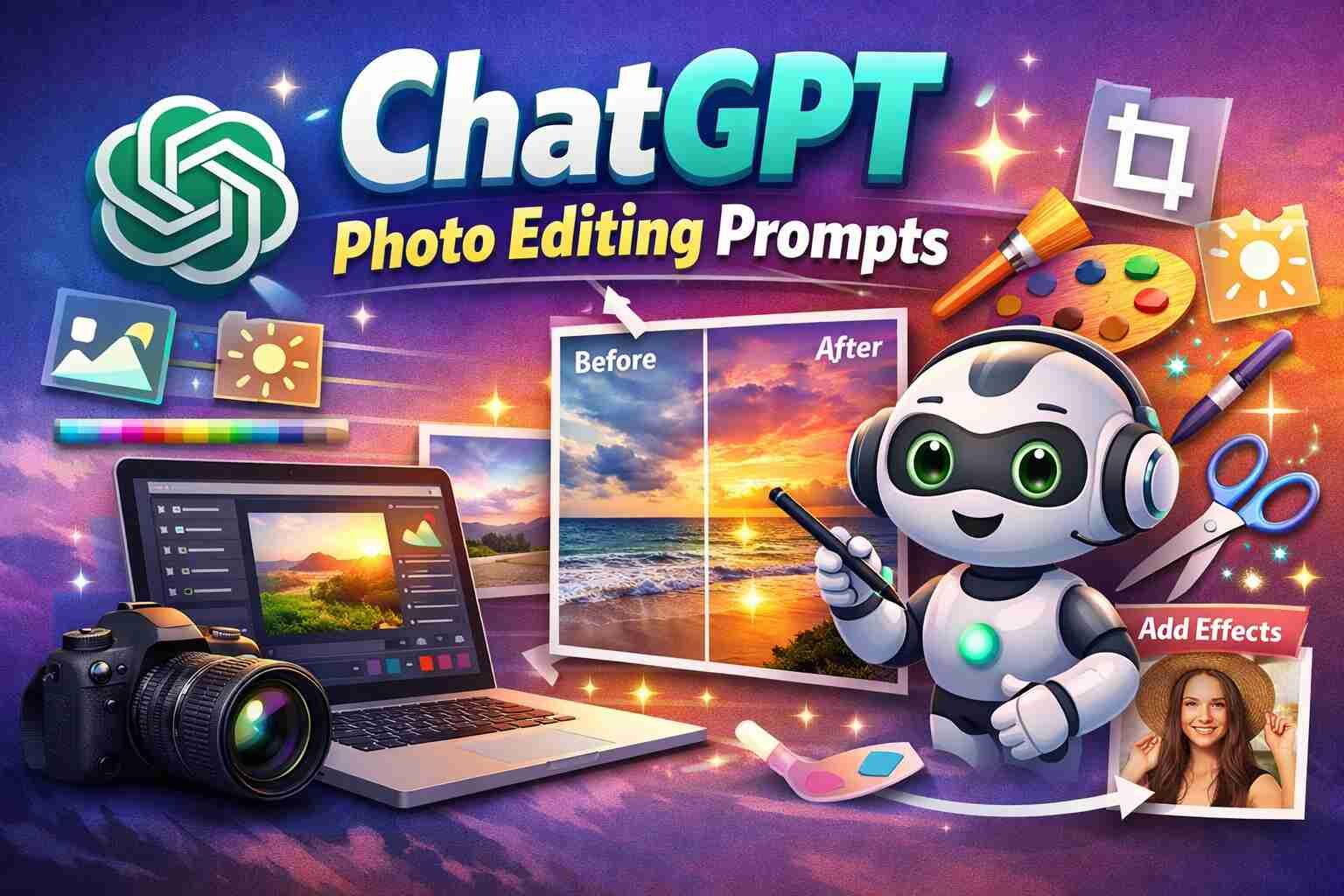
Photo editing has become an essential part of creating high-quality visual content. From professional photographers to social media creators, everyone seeks ways to enhance images efficiently. ChatGPT, with its advanced text-based AI capabilities, now offers the possibility to generate photo editing prompts. These prompts can guide photo editors and AI art tools to produce precise and creative results.
This article explains how ChatGPT photo editing prompts work, why they are useful, and practical ways to use them for better photo results.
What Are ChatGPT Photo Editing Prompts?
ChatGPT photo editing prompts are structured text instructions that tell AI or editing tools what changes to make to an image. These prompts can include details about lighting, color correction, object removal, background changes, artistic effects, and more.
For example, a prompt might instruct an AI to “enhance portrait brightness, sharpen eyes, and blur the background slightly.” By giving clear instructions, you save time and achieve consistent results without trial and error.
Why Use ChatGPT for Photo Editing Prompts?
Using ChatGPT to generate editing prompts has several advantages:
- Time-saving: Instead of manually deciding every step, you can generate ready-to-use instructions.
- Consistency: Repeating similar edits across multiple images becomes easier.
- Creativity boost: ChatGPT can suggest unique effects you might not think of.
- Beginner-friendly: Even novice editors can get professional-level guidance.
With these benefits, using ChatGPT is becoming a standard part of digital content creation.
How ChatGPT Generates Photo Editing Prompts
ChatGPT generates prompts by analyzing your input text and understanding your desired outcome. The key steps include:
- Describing the Image: Provide details about the photo, like subject, background, lighting, and mood.
- Specifying Edits: Clearly state what changes you want, such as “increase saturation,” “remove objects,” or “add warm lighting.”
- Formatting Instructions: ChatGPT can structure prompts in a way compatible with AI tools like Photoshop, Luminar AI, or MidJourney.
- Refining Results: You can tweak the prompt based on the first outputs until you get the perfect image.
Types of Photo Editing Prompts
ChatGPT can generate multiple types of prompts depending on your needs:
1. Basic Enhancement Prompts
These are simple instructions like adjusting brightness, contrast, or saturation.
Example: “Increase image brightness by 20%, enhance contrast, and sharpen details.”
2. Artistic Effect Prompts
Prompts that apply artistic filters or styles.
Example: “Transform the photo into a watercolor painting style with soft pastel tones.”
3. Object Removal or Replacement Prompts
Used to remove unwanted elements or replace objects.
Example: “Remove the background objects, leaving only the subject, and replace the background with a sunset scene.”
4. Portrait Retouching Prompts
Focuses on face or body adjustments.
Example: “Smooth skin tone, brighten eyes, remove minor blemishes, and enhance natural hair highlights.”
5. Creative Composition Prompts
Guides composition changes like adding props, changing angles, or modifying the mood.
Example: “Add a misty forest background behind the subject and slightly darken foreground lighting.”
Tips for Writing Effective ChatGPT Photo Editing Prompts
Writing clear and precise prompts is critical for good results. Here are some tips:
- Be Specific: Include details like lighting, color tones, style, and object focus.
- Use Simple Language: Avoid long and confusing sentences.
- Include References: If you want a particular style, mention it. Example: “in the style of Ansel Adams photography.”
- Test and Adjust: Start with a general prompt and refine it based on results.
- Limit Instructions Per Prompt: Too many edits in a single prompt can confuse AI.
By following these tips, you can create prompts that give professional-quality photo results.
Tools That Work With ChatGPT Photo Editing Prompts
Many AI and photo editing tools can use ChatGPT photo editing prompts effectively:
- Photoshop with AI Plugins: Use prompts to suggest layer edits, filters, or masking instructions.
- Luminar AI: ChatGPT prompts can guide lighting, sky replacement, or portrait enhancement.
- MidJourney or DALL·E: Convert text prompts directly into AI-generated images.
- Canva AI Tools: Useful for background removal or automatic photo effects.
Integrating ChatGPT with these tools saves hours of manual editing work.
Practical Examples of ChatGPT Photo Editing Prompts
Here are a few sample prompts for different scenarios:
- Portrait Enhancement:
“Brighten face by 15%, smooth skin without losing texture, sharpen eyes, reduce shadows under eyes, and apply warm golden lighting.” - Landscape Editing:
“Increase color saturation slightly, enhance the sky to a deep orange sunset, sharpen foreground trees, and add soft light rays.” - Product Photography:
“Remove background, enhance product colors, increase contrast by 10%, and add a subtle shadow beneath the product.” - Creative Style:
“Convert the image into a cinematic night scene, add neon reflections on the ground, and slightly blur background elements.”
Using such examples helps beginners understand how to structure prompts effectively.
Benefits for Content Creators
Content creators can gain significant advantages from using ChatGPT photo editing prompts:
- Faster Workflow: Edit multiple images with consistent quality in less time.
- Enhanced Visual Appeal: Professional edits improve engagement on social media.
- Experimentation: Try different styles without expensive tools or extensive knowledge.
- Collaboration: Share prompts with teams to maintain a uniform editing style.
The combination of creativity and efficiency makes this approach highly valuable.
Challenges and Limitations
While ChatGPT is powerful, there are some limitations:
- Interpretation Variability: AI may interpret prompts differently than expected.
- Complex Edits: Highly intricate changes may require manual adjustments.
- Tool Compatibility: Not all photo editors fully support AI-generated prompts.
- Learning Curve: Beginners may need practice to write effective prompts.
Being aware of these challenges helps you set realistic expectations.
How to Get Started With ChatGPT Photo Editing Prompts
Follow these steps to start using ChatGPT for photo editing prompts:
- Choose Your Tool: Select a photo editor or AI platform that can use text prompts.
- Describe Your Image: Include subject, style, mood, and existing conditions.
- Create a Prompt: Write clear instructions, specifying changes or enhancements.
- Test the Prompt: Apply the prompt and review the results.
- Refine: Adjust the prompt as needed until the final image looks perfect.
Starting small with simple edits is recommended before moving to complex adjustments.
Best Practices for Maximum Results
- Keep prompts clear and concise.
- Use style references if needed.
- Separate multiple edits into steps for better accuracy.
- Test different prompts on similar images for learning.
- Document successful prompts for future use.
These practices will help you consistently produce high-quality images using ChatGPT.
More Details : How to Use ChatGPT Effectively: A Complete Guide for Daily Use
FAQs
1. Can beginners use ChatGPT for photo editing prompts?
Yes, beginners can start with simple edits like brightness, contrast, and background removal. ChatGPT guides the process step by step.
2. How many times should I use the main keyword in prompts?
Focus on clarity rather than repeating the keyword. Use ChatGPT photo editing prompts naturally up to 10 times in an article.
3. Do I need a special tool to use these prompts?
You need a photo editing software that accepts text-based instructions or AI integrations. Tools like Photoshop with AI, Luminar, or Canva work well.
4. Can ChatGPT remove objects from photos?
Yes, if you include clear instructions for object removal or replacement in your prompt.
5. Are these prompts suitable for social media content?
Absolutely. They can enhance visual appeal, maintain consistency, and save time, making them ideal for social media posts.
Conclusion
ChatGPT photo editing prompts are revolutionizing how creators, photographers, and social media managers approach image editing. By using structured, clear instructions, you can enhance images, apply creative effects, and save significant editing time.
Understanding prompt writing, choosing the right tool, and practicing refinements are key to getting professional results. With consistent use, these prompts can help you produce high-quality visuals, boost engagement, and elevate your content strategy.

Understanding Weaponized Incompetence: Why It Happens and How to Deal With It

Wudu Steps: Complete Step-by-Step Guide for Proper Islamic Ablution

Modern Data Architecture Guide: Practical Database Design Patterns for Developers

Art of Zoo: How Modern Zoos Connect Humans and Wildlife

Irish Exit Meaning: What It Is and Whether It’s Rude

Mastering Dinner Productivity: How to Cook Efficiently Without Stress

What is a Toxic Relationship and How to Recognize It Early

We Are Made of Stars: Examining Human Ashes Under a Microscope

Understanding SOS on iPhone: How to Use It and Stay Safe

Understanding Tree in Data Structure: A Complete Guide

Understanding Black Box AI: Unlocking the Secrets of Unexplained Algorithms

Encanto Characters Explained: The Madrigal Family, Their Gifts, and What They Mean

Makima Chainsaw Man: The Power, Mystery, and Meaning Behind One of Anime’s Most Talked About Characters

The Red String Theory: Exploring Fate and Connection

Open Claw vs. Claude Code: A Comprehensive Comparison

10 Things You Should Know About Yuta Okkotsu Before Jujutsu Kaisen Season 3

Best AI Tools to Create Professional Faceless Videos Quickly

NVIDIA DGX Spark: A Practical Look at the Compact AI Powerhouse

Magenta: The Color That Doesn’t Exist and Its Fascinating Science

Best AI Image Generators 2026: The Ultimate Guide
Understanding Weaponized Incompetence: Why It Happens and How to Deal With It
Wudu Steps: Complete Step-by-Step Guide for Proper Islamic Ablution
Modern Data Architecture Guide: Practical Database Design Patterns for Developers
Art of Zoo: How Modern Zoos Connect Humans and Wildlife
Irish Exit Meaning: What It Is and Whether It’s Rude
Mastering Dinner Productivity: How to Cook Efficiently Without Stress
What is a Toxic Relationship and How to Recognize It Early
We Are Made of Stars: Examining Human Ashes Under a Microscope
Understanding SOS on iPhone: How to Use It and Stay Safe
Understanding Tree in Data Structure: A Complete Guide
-

 Entertainment2 months ago
Semana Santa 2026: Dates, Traditions, and Global Celebrations
-

 Tech2 months ago
xxx is equal to 2022: A Complete Informative Explanation of a Cubic Equation
-

 Entertainment2 months ago
The Artistic World of Gege Akutami: A Mastermind Behind Jujutsu Kaisen
-
 Celebrity2 months ago
Izzie Balmer Partner: A Deep Dive into the Relationship with Will Hawley