
Tech
Understanding the MacBook Air M2: Everything You Need to Know

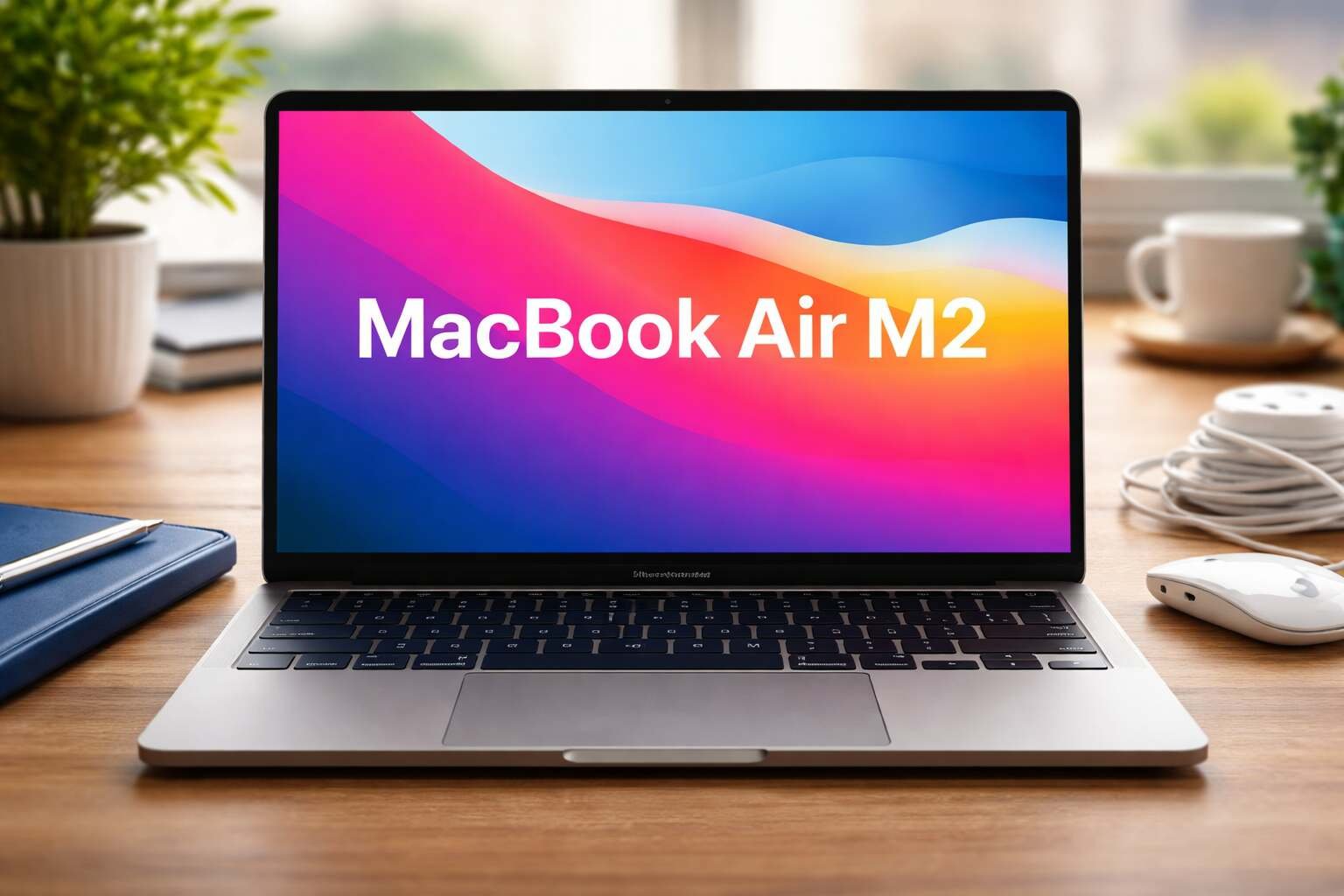
Apple has consistently raised the bar for lightweight laptops, and the MacBook Air M2 is no exception. Released as part of Apple’s M-series lineup, this model brings impressive performance upgrades while maintaining the sleek, ultra-portable design that Air users love. In this article, we’ll dive into the features, performance, design, battery life, and overall usability of the MacBook Air M2.
Design and Build: Sleek, Lightweight, and Durable
The MacBook Air M2 carries a fresh, modern design compared to its M1 predecessor. Apple introduced a slimmer profile and reduced overall weight, making it perfect for students, professionals, and travelers who value portability. The laptop features a durable aluminum chassis available in multiple colors, including Midnight, Starlight, Silver, and Space Gray.
Apple also redesigned the keyboard layout, replacing the large function keys with a full-height row and integrating the MagSafe charging port. The overall design emphasizes minimalism without compromising functionality, offering users a visually appealing and lightweight laptop that fits comfortably in any backpack or workspace.
Display: Brighter and More Immersive
One of the highlights of the MacBook Air M2 is its 13.6-inch Liquid Retina display. With a resolution of 2560 x 1664 pixels and support for over a billion colors, this screen provides sharp text, vivid images, and excellent color accuracy. Apple also improved brightness, reaching up to 500 nits, which ensures better visibility even in bright environments.
For creative professionals, such as graphic designers and photographers, the display’s color accuracy and high dynamic range are notable. Whether you’re editing photos, streaming videos, or working on presentations, the screen delivers a more immersive experience than previous MacBook Air models.
Performance: Power Meets Efficiency
Powered by Apple’s M2 chip, the MacBook Air M2 offers a significant boost in performance over the M1. The M2 features an 8-core CPU and up to a 10-core GPU, enabling smoother multitasking, faster app launches, and better handling of resource-heavy tasks.
For everyday users, this means faster web browsing, seamless video conferencing, and responsive productivity apps. For professionals, the laptop handles software like Adobe Photoshop, Final Cut Pro, and Logic Pro with ease, offering a balance of speed and energy efficiency.
Apple also included up to 24GB of unified memory, allowing for efficient multitasking and fewer slowdowns during intensive workflows. Overall, the performance improvements make the MacBook Air M2 a versatile machine for both casual and professional users.
Battery Life: All-Day Productivity
One of the most appealing aspects of the MacBook Air M2 is its battery life. Apple claims up to 18 hours of usage on a single charge, depending on the type of tasks performed. For typical users, this translates to a full day of work or study without needing to plug in.
Battery longevity is particularly important for students and professionals who work on the go. Combined with the lightweight design, the extended battery life ensures that users can rely on the MacBook Air M2 for extended periods, whether in a coffee shop, classroom, or office.
Connectivity: Modern Ports and MagSafe Charging
Apple revamped connectivity on the MacBook Air M2. It includes two Thunderbolt/USB 4 ports, a headphone jack, and the return of the MagSafe charging connector. While the limited number of ports may require adapters for some users, the inclusion of high-speed Thunderbolt ensures fast data transfer and support for external displays.
The MagSafe charging system allows users to safely connect the charger without worrying about accidental disconnections. This is a significant improvement over relying solely on USB-C, providing convenience and safety for daily use.
Keyboard and Trackpad: Comfortable and Responsive
Apple’s Magic Keyboard continues to be a highlight of the MacBook Air M2. The keys offer a satisfying typing experience with minimal noise and precise travel distance, making it ideal for long typing sessions.
The trackpad, known as the Force Touch trackpad, remains large and highly responsive. It supports gestures, pressure-sensitive clicks, and smooth scrolling, enhancing productivity for both professional and personal tasks. Combined with the macOS ecosystem, these input devices provide a seamless and enjoyable user experience.
macOS Integration: A Smooth and Secure Experience
Running on macOS Monterey (upgradeable to Ventura), the MacBook Air M2 offers tight integration with other Apple devices. Features like Handoff, AirDrop, Universal Clipboard, and iCloud synchronization make it easy for users to switch between iPhone, iPad, and Mac seamlessly.
The macOS environment is also known for its stability and security. With frequent updates and a secure architecture, users can work confidently without worrying about malware or system crashes.
Who Should Consider the MacBook Air M2?
The MacBook Air M2 is ideal for:
- Students who need a lightweight laptop for notes, assignments, and online classes.
- Professionals who require a reliable machine for presentations, documents, and multimedia tasks.
- Creative users who need high color accuracy and smooth performance for design, photo, or video editing.
However, users who require ultra-heavy gaming or intensive 3D rendering may want to explore MacBook Pro models or high-end Windows laptops, as the Air prioritizes portability and efficiency over maximum raw power.
Conclusion: A Balanced Choice for Most Users
In summary, the MacBook Air M2 combines sleek design, impressive performance, long battery life, and a rich macOS ecosystem into a lightweight, portable package. It is suitable for a broad range of users, from students to creative professionals. While it may not be the ultimate powerhouse, it delivers excellent efficiency, usability, and convenience, making it one of the best laptops Apple has produced in recent years.
More Details : Honeywell Humidifier: A Complete Informative Guide for Healthier Indoor Air
FAQs
1. Is the MacBook Air M2 good for gaming?
While it can handle casual and moderate gaming, it is not designed for high-end gaming or graphics-intensive titles. Users seeking heavy gaming may prefer MacBook Pro or Windows alternatives.
2. How long does the battery last on the MacBook Air M2?
The laptop offers up to 18 hours of battery life under normal usage, making it ideal for full-day work or study sessions.
3. Can the MacBook Air M2 handle professional video editing?
Yes, it supports video editing in apps like Final Cut Pro and Adobe Premiere, though extremely high-resolution 8K projects may be better on more powerful machines.
4. Does the MacBook Air M2 have a fan?
No, the MacBook Air M2 is fanless, which ensures silent operation, though it may throttle performance slightly during extended heavy workloads.
5. What ports are available on the MacBook Air M2?
It has two Thunderbolt/USB 4 ports, a headphone jack, and a MagSafe charging port for safe and fast charging.

12 Best Omegle Alternatives for Random Video Chat and Meeting New People

Dbxbqm Meaning: Why It Appears When You Try to Type YouTube

Immediate Loading Implants: How “Fixed Teeth in 48 Hours” Really Works

How UK Mobile Proxies Help Businesses Test Their Websites

Gen AI in Supply Chain: Using Supply Chain Benchmarks to Improve Performance

What Is the UK Theory Test? How It Works, Cost and Pass Mark

Weather the Storm: Why Totally Branded Umbrellas are the UK’s Most Appreciated Gift

How to Store, Wind, and Travel With Your Automatic Watch Collection Without Damaging It

What Do HubSpot Onboarding Services Include?

AI in Supply Chain: How AI Consulting Services Help Build More Intelligent and Resilient Operations
Immediate Loading Implants: How “Fixed Teeth in 48 Hours” Really Works
How UK Mobile Proxies Help Businesses Test Their Websites
Gen AI in Supply Chain: Using Supply Chain Benchmarks to Improve Performance
12 Best Omegle Alternatives for Random Video Chat and Meeting New People
Dbxbqm Meaning: Why It Appears When You Try to Type YouTube
12 Best Omegle Alternatives for Random Video Chat and Meeting New People
Dbxbqm Meaning: Why It Appears When You Try to Type YouTube
Immediate Loading Implants: How “Fixed Teeth in 48 Hours” Really Works
How UK Mobile Proxies Help Businesses Test Their Websites
Gen AI in Supply Chain: Using Supply Chain Benchmarks to Improve Performance
What Is the UK Theory Test? How It Works, Cost and Pass Mark
Weather the Storm: Why Totally Branded Umbrellas are the UK’s Most Appreciated Gift
How to Store, Wind, and Travel With Your Automatic Watch Collection Without Damaging It
What Do HubSpot Onboarding Services Include?
AI in Supply Chain: How AI Consulting Services Help Build More Intelligent and Resilient Operations
-

 Tech9 months ago
xxx is equal to 2022: A Complete Informative Explanation of a Cubic Equation
-

 Celebrity8 months ago
Izzie Balmer Partner: A Deep Dive into the Relationship with Will Hawley
-

 Entertainment9 months ago
The Artistic World of Gege Akutami: A Mastermind Behind Jujutsu Kaisen
-

 Food5 months ago
Best Sushi Rice Brands: A Complete Guide to Choosing the Right Rice for Sushi