
Tech
Monitoring and Logging: A Comprehensive Guide to Enhancing System Reliability

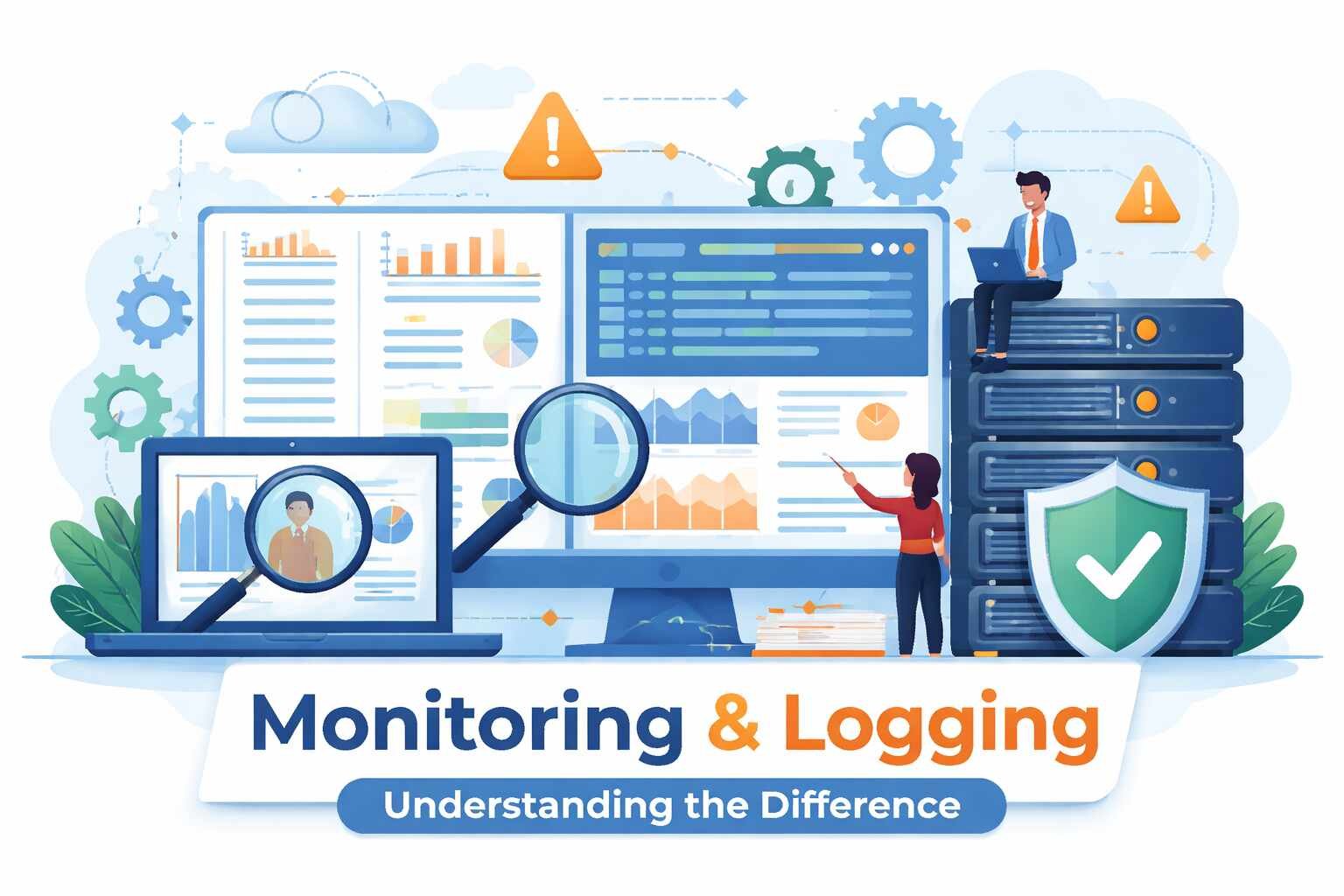
In today’s fast-paced technological world, ensuring the stability and performance of systems is paramount. Whether you’re managing a cloud infrastructure, a distributed network, or even a web application, having the right tools and practices in place to monitor and log system activities is crucial. Both monitoring and logging serve distinct yet complementary purposes in system management, ensuring your system runs smoothly and securely.
What is Monitoring?
Monitoring refers to the continuous observation of a system or network to ensure it is performing as expected. It involves gathering metrics like CPU usage, memory consumption, bandwidth, and response times. The data collected from monitoring helps teams to proactively address performance issues, detect potential failures before they happen, and optimize system resources.
Key Benefits of Monitoring:
- Proactive Issue Detection: Continuous monitoring helps detect performance bottlenecks, slowdowns, and outages, allowing teams to respond quickly before the problem escalates.
- Resource Optimization: By analyzing usage patterns, teams can optimize resource allocation and avoid over-provisioning or under-provisioning, which can lead to cost savings.
- Security Awareness: Monitoring also provides insight into security events, such as unusual spikes in traffic or failed login attempts, which could signal a potential attack.
Monitoring is done using specialized tools like Nagios, Prometheus, Zabbix, and CloudWatch. These tools offer dashboards that display system health and performance in real time, providing alerts when predefined thresholds are breached.
What is Logging?
Logging, on the other hand, refers to the process of recording events and activities that occur within a system. Every action, from user requests to internal processes, generates logs that capture vital information for troubleshooting, auditing, and security analysis.
Key Benefits of Logging:
- Post-Mortem Investigation: Logs provide a historical record that can be reviewed after an incident occurs. This allows developers and administrators to trace what went wrong and how it can be prevented in the future.
- Detailed Debugging: When bugs or errors occur, logs give detailed insights into what happened during the execution of the program, including error messages, stack traces, and system states.
- Compliance and Auditing: For businesses operating under regulatory requirements, logs are essential for audit trails. They help ensure that every action in the system can be traced and reviewed for compliance purposes.
Common logging tools include ELK Stack (Elasticsearch, Logstash, Kibana), Splunk, and Fluentd, which aggregate and analyze logs to provide deeper insights into system behavior.
The Difference Between Monitoring and Logging
While monitoring and logging may seem similar, they serve different functions and work best when used together.
- Scope and Purpose: Monitoring provides real-time data about system performance, helping to identify issues as they arise. Logging, on the other hand, is used to record detailed events that occurred during system operation, typically after the fact.
- Data Type: Monitoring focuses on metrics such as CPU load, memory usage, and response time. Logging collects information about events like user actions, system errors, and transactions.
- Reaction vs. Investigation: Monitoring alerts administrators in real time, allowing them to react immediately to problems. Logging, however, is used for post-event analysis, helping to investigate and resolve the root cause of issues.
Why Do You Need Both Monitoring and Logging?
For an effective and efficient IT infrastructure, relying solely on monitoring or logging is insufficient. These two processes complement each other and together provide a more holistic view of system performance and health.
- Proactive and Reactive: Monitoring helps you act immediately by providing alerts when something goes wrong. Logging allows you to investigate the issue further, providing a detailed record of what led up to the event.
- Security and Compliance: Monitoring ensures that security breaches or system vulnerabilities are detected promptly, while logging ensures you have the required documentation to comply with regulations.
- Troubleshooting and Optimization: While monitoring alerts you to performance issues, logging helps pinpoint the root cause, enabling faster troubleshooting. Moreover, logs can be used to optimize system configurations by revealing inefficient processes.
Best Practices for Implementing Monitoring and Logging
To get the most out of monitoring and logging, follow these best practices:
- Set Clear Objectives: Define what you need to monitor and log based on your business needs. For instance, if security is a top priority, focus on network traffic and access logs.
- Use Centralized Tools: Instead of using disparate tools, choose centralized platforms that integrate both monitoring and logging. This will simplify data analysis and help correlate performance metrics with logged events.
- Regularly Review and Adjust: System needs evolve, so it’s important to regularly review and update your monitoring and logging practices to ensure they continue to meet your objectives.
- Ensure Proper Security for Logs: Logs often contain sensitive data. Ensure that logs are protected, encrypted, and stored securely to prevent unauthorized access.
- More Details : Red Flags in Men: Recognizing Signs of Toxic or Unhealthy Relationships
(FAQs)
1. What’s the main difference between monitoring and logging?
Monitoring focuses on real-time system performance, while logging records detailed events for post-event analysis and troubleshooting.
2. Can I rely on just monitoring or logging?
No, both are essential. Monitoring provides real-time insights, while logging helps you investigate issues in depth after they occur.
3. What tools should I use for monitoring?
Popular monitoring tools include Nagios, Prometheus, Zabbix, and CloudWatch.
4. What’s the role of logging in security?
Logging captures security events, such as unauthorized access attempts or suspicious activities, which can be reviewed to improve security practices.
5. How often should I review my monitoring and logging practices?
It’s recommended to review your monitoring and logging practices periodically, especially after significant infrastructure changes or updates.
Conclusion
In conclusion, monitoring and logging are both crucial for maintaining the health, security, and efficiency of your systems. Monitoring provides real-time alerts on performance and security issues, while logging provides the detailed historical data needed to troubleshoot and improve system operations. By using both monitoring and logging together, you can ensure a well-rounded, responsive, and secure IT infrastructure that can handle any challenges that come your way.

What Do HubSpot Onboarding Services Include?

AI in Supply Chain: How AI Consulting Services Help Build More Intelligent and Resilient Operations

Hungary Dental Tourism: Quality Dental Care at Affordable Prices

Timur Turlov: A Vision for the Future of Global Chess

Meaningful Ways to Memorialise a Beloved Pet After Loss

Understanding Jerking Movements: An Ayurvedic Perspective

Are You Saving Enough for Retirement? Key Benchmarks by Age

Timur Turlov: A Visionary Leader Transforming Modern Finance

5 Ways a Probate Attorney Can Help When Estate Documents Are Missing

What Happens to Gold Investments When Interest Rates Change?
What Do HubSpot Onboarding Services Include?
Timur Turlov: A Vision for the Future of Global Chess
Meaningful Ways to Memorialise a Beloved Pet After Loss
Hungary Dental Tourism: Quality Dental Care at Affordable Prices
AI in Supply Chain: How AI Consulting Services Help Build More Intelligent and Resilient Operations
What Do HubSpot Onboarding Services Include?
AI in Supply Chain: How AI Consulting Services Help Build More Intelligent and Resilient Operations
Hungary Dental Tourism: Quality Dental Care at Affordable Prices
Timur Turlov: A Vision for the Future of Global Chess
Meaningful Ways to Memorialise a Beloved Pet After Loss
Understanding Jerking Movements: An Ayurvedic Perspective
Are You Saving Enough for Retirement? Key Benchmarks by Age
Timur Turlov: A Visionary Leader Transforming Modern Finance
5 Ways a Probate Attorney Can Help When Estate Documents Are Missing
What Happens to Gold Investments When Interest Rates Change?
-

 Tech7 months ago
xxx is equal to 2022: A Complete Informative Explanation of a Cubic Equation
-

 Celebrity7 months ago
Izzie Balmer Partner: A Deep Dive into the Relationship with Will Hawley
-

 Entertainment7 months ago
The Artistic World of Gege Akutami: A Mastermind Behind Jujutsu Kaisen
-

 Entertainment7 months ago
Semana Santa 2026: Dates, Traditions, and Global Celebrations