
Tech
What is a CDN Cache? Understanding its Importance and Functionality

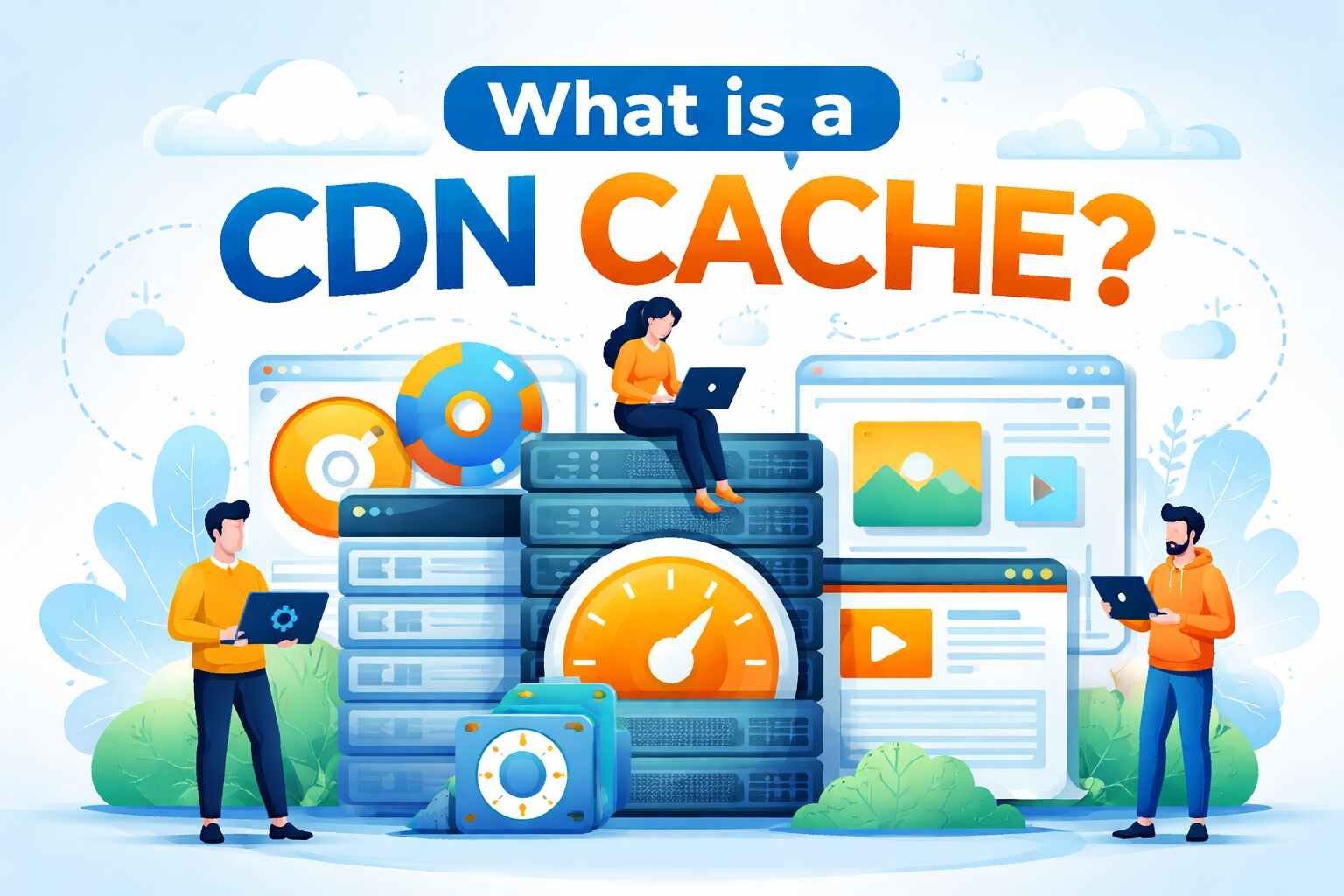
In today’s fast-paced digital world, website speed is crucial for user experience and SEO rankings. A Content Delivery Network (CDN) cache plays a significant role in enhancing website performance. This article will explore what a CDN cache is, how it works, and its importance in improving website loading times.
What is a CDN Cache?
A CDN cache is a system used to store copies of static content (images, videos, stylesheets, JavaScript files) from a website on various servers located around the world. By doing so, it ensures that users can access content from the nearest server, reducing the time it takes to load the website. Essentially, the CDN cache reduces the distance data has to travel, allowing for faster and more efficient delivery of content.
The Functionality of a CDN Cache
When a user visits a website, the content is fetched from the website’s origin server. However, if that website is using a CDN, the static content is cached and stored on multiple edge servers located closer to the user. This caching process ensures that when the user accesses the website again, they are served the content from a server closer to them, reducing latency and improving speed.
Benefits of a CDN Cache for Website Performance
- Faster Load Times: By caching content at edge servers close to users, the CDN cache significantly improves website load times. This is especially beneficial for global websites that cater to users in various geographic locations.
- Reduced Server Load: With a CDN cache in place, the origin server doesn’t have to handle every request. This reduces the load on the server, making it more efficient and preventing it from being overwhelmed during high traffic periods.
- Better User Experience: Faster loading times lead to better user engagement. Websites that load quickly reduce bounce rates, increase time spent on the site, and improve overall user satisfaction.
- Improved SEO: Website speed is a crucial factor for SEO rankings. A CDN cache improves website performance, which in turn can lead to higher rankings on search engines like Google.
- Scalability: A CDN cache can handle large traffic spikes, ensuring that websites remain accessible and performant even during high traffic events such as product launches or viral marketing campaigns.
How Does a CDN Cache Work?
When a user first visits a website, the CDN’s edge servers cache a copy of the static content. Subsequent requests for the same content are then served from the cache rather than the origin server. The process works as follows:
- Request for Content: When a user requests content from a website, the CDN checks if the content is available in its cache.
- Cache Hit or Miss: If the content is found in the cache (a “cache hit”), the CDN delivers the content to the user. If the content is not found (a “cache miss”), the CDN fetches the content from the origin server and caches it for future use.
- Cache Expiration: Cached content doesn’t stay in the cache forever. The CDN sets expiration rules, and once the content expires, it is fetched again from the origin server and re-cached.
Types of Content Stored in a CDN Cache
CDNs typically cache static content such as:
- Images: Photos, graphics, and other visual elements on a website.
- Videos: Streaming content, media files, and videos.
- HTML Files: Webpages and documents.
- CSS & JavaScript: Styling files and scripts that enhance website functionality.
CDN Cache vs Browser Cache
While both CDN cache and browser cache improve performance, they function differently. The browser cache stores content locally on a user’s device, so the content doesn’t have to be reloaded every time the user visits the site. On the other hand, a CDN cache stores content on multiple servers globally, allowing for faster access from any location.
Importance of Cache Control in CDN
Cache control refers to the rules set by the website owner on how the content should be cached. These rules dictate how long content stays in the cache, when it should be updated, and which version of the content should be served. Proper cache control is essential for ensuring that users always receive up-to-date content, without unnecessary delays.
Security Benefits of CDN Caching
A CDN cache also provides additional security benefits. By offloading traffic from the origin server, CDNs can protect against Distributed Denial of Service (DDoS) attacks. CDNs can handle large amounts of traffic and block malicious requests before they reach the origin server.
How to Implement a CDN Cache?
Implementing a CDN cache typically involves the following steps:
- Choose a CDN Provider: There are various CDN providers available, such as Cloudflare, Akamai, and Amazon CloudFront. Each has its own set of features and benefits.
- Integrate CDN with Your Website: Once a CDN provider is selected, the next step is to integrate it with your website. This usually involves configuring DNS settings and modifying the website’s code to point to the CDN servers.
- Configure Cache Settings: Set up cache rules to define how long content should remain in the cache and when it should be refreshed.
- Monitor Performance: Continuously monitor the CDN cache’s performance to ensure it is functioning as expected.
Common CDN Cache Issues
- Cache Purging: Sometimes, it may be necessary to manually purge cached content to ensure that users are served the most up-to-date version of the website. Cache purging is an essential aspect of managing a CDN cache effectively.
- Cache Invalidation: Cache invalidation ensures that the outdated content is removed from the cache and replaced with the new version. This can be automatically configured or manually triggered.
- Cache Bloating: Over time, cached content can accumulate, which might lead to bloating of the cache. It’s important to periodically review cache content and remove unnecessary items.
How to Optimize a CDN Cache for SEO?
- Use Proper Cache Control Headers: These headers tell the CDN and browser how long content should be cached. Ensure that the cache-control header is configured to maximize the effectiveness of your CDN cache.
- Minimize Cache Misses: Ensure that the content that’s frequently accessed is properly cached. This can reduce the load on the origin server and increase website performance.
- Test Cache Performance: Regularly test your CDN’s cache performance to ensure that it’s optimizing load times and improving user experience.
More Details : 135+ JavaScript Interview Questions (With Answers) Every Frontend Developer Should Know in 2026
FAQs
1. What is the main purpose of a CDN cache?
The main purpose of a CDN cache is to store copies of static content on servers closer to users, reducing latency and improving website load times.
2. Can a CDN cache affect SEO?
Yes, a CDN cache can improve website speed, which is a critical factor in SEO rankings. Faster websites typically rank higher on search engines.
3. What type of content is typically cached by a CDN?
CDNs cache static content like images, videos, HTML files, CSS, and JavaScript to speed up website performance.
4. How does a CDN improve security?
A CDN offloads traffic from the origin server and can protect against DDoS attacks by filtering out malicious requests.
5. Do I need to manually refresh cached content?
While CDNs automatically refresh cached content when it expires, you can manually purge or invalidate the cache to ensure users are always served the latest version of your content.

12 Best Omegle Alternatives for Random Video Chat and Meeting New People

Dbxbqm Meaning: Why It Appears When You Try to Type YouTube

Immediate Loading Implants: How “Fixed Teeth in 48 Hours” Really Works

How UK Mobile Proxies Help Businesses Test Their Websites

Gen AI in Supply Chain: Using Supply Chain Benchmarks to Improve Performance

What Is the UK Theory Test? How It Works, Cost and Pass Mark

Weather the Storm: Why Totally Branded Umbrellas are the UK’s Most Appreciated Gift

How to Store, Wind, and Travel With Your Automatic Watch Collection Without Damaging It

What Do HubSpot Onboarding Services Include?

AI in Supply Chain: How AI Consulting Services Help Build More Intelligent and Resilient Operations
Immediate Loading Implants: How “Fixed Teeth in 48 Hours” Really Works
How UK Mobile Proxies Help Businesses Test Their Websites
Gen AI in Supply Chain: Using Supply Chain Benchmarks to Improve Performance
12 Best Omegle Alternatives for Random Video Chat and Meeting New People
Dbxbqm Meaning: Why It Appears When You Try to Type YouTube
12 Best Omegle Alternatives for Random Video Chat and Meeting New People
Dbxbqm Meaning: Why It Appears When You Try to Type YouTube
Immediate Loading Implants: How “Fixed Teeth in 48 Hours” Really Works
How UK Mobile Proxies Help Businesses Test Their Websites
Gen AI in Supply Chain: Using Supply Chain Benchmarks to Improve Performance
What Is the UK Theory Test? How It Works, Cost and Pass Mark
Weather the Storm: Why Totally Branded Umbrellas are the UK’s Most Appreciated Gift
How to Store, Wind, and Travel With Your Automatic Watch Collection Without Damaging It
What Do HubSpot Onboarding Services Include?
AI in Supply Chain: How AI Consulting Services Help Build More Intelligent and Resilient Operations
-

 Tech9 months ago
xxx is equal to 2022: A Complete Informative Explanation of a Cubic Equation
-

 Celebrity9 months ago
Izzie Balmer Partner: A Deep Dive into the Relationship with Will Hawley
-

 Entertainment9 months ago
The Artistic World of Gege Akutami: A Mastermind Behind Jujutsu Kaisen
-

 Food5 months ago
Best Sushi Rice Brands: A Complete Guide to Choosing the Right Rice for Sushi